Device Details
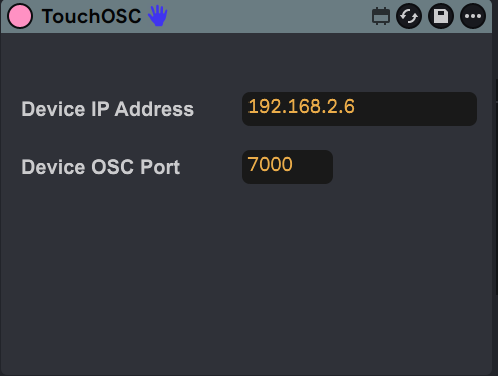
Overview
| Name | Version: | AbletonOSC-TouchOSC Track Device Names 1.0 |
| Author: | franciscopiano |
| Device Type: | Instrument |
| Description: | This was made for a personal project and is not well optimized. After setting the ableton project (tracks, names, effects, etc) if you upload this device to the first track it can return the names of max 8 tracks and 8 devices per track (master and return tracks not included) to this TouchOSC template: https://drive.google.com/file/d/1jetwwyev3o5jqAjr6VoQoiIEoKF1XxDT/view?usp=sharing On the template you can click on any specific button (8 for tracks, 64 for devices) and the focus on Ableton will change to that specific track or device immediatly, saving time browsing with other midi controllers like ROTO-CONTROL that is the one I use the most There is some requirements for this to work, like knowing how to connect TouchOSC to Ableton (TouchOSC Bridge, edit connections on TouchOSC and get correct IP address and port for OSC messages to go from Ableton to TouchOSC and viceversa) |
Details
| Live Version Used: | 12.3 |
| Max Version Used: | 9.0.9 |
| Date Added: | Feb 24 2026 20:59:32 |
| Date Last Updated: | No Updates |
| Downloads: | 2 |
| ⓘ License: | None |
Average Rating
Log in to rate this device |
-n/a- |
Files
| Device File: | TouchOSC-TrackDeviceName.amxd |
Login to comment on this device.
Browse the full library